Google finally allows users to change their Gmail address without creating a new account. Learn how the "Swap" feature works, the 12-month cooldown, and why your old email becomes a permanent alias.
 Brajesh Mishra
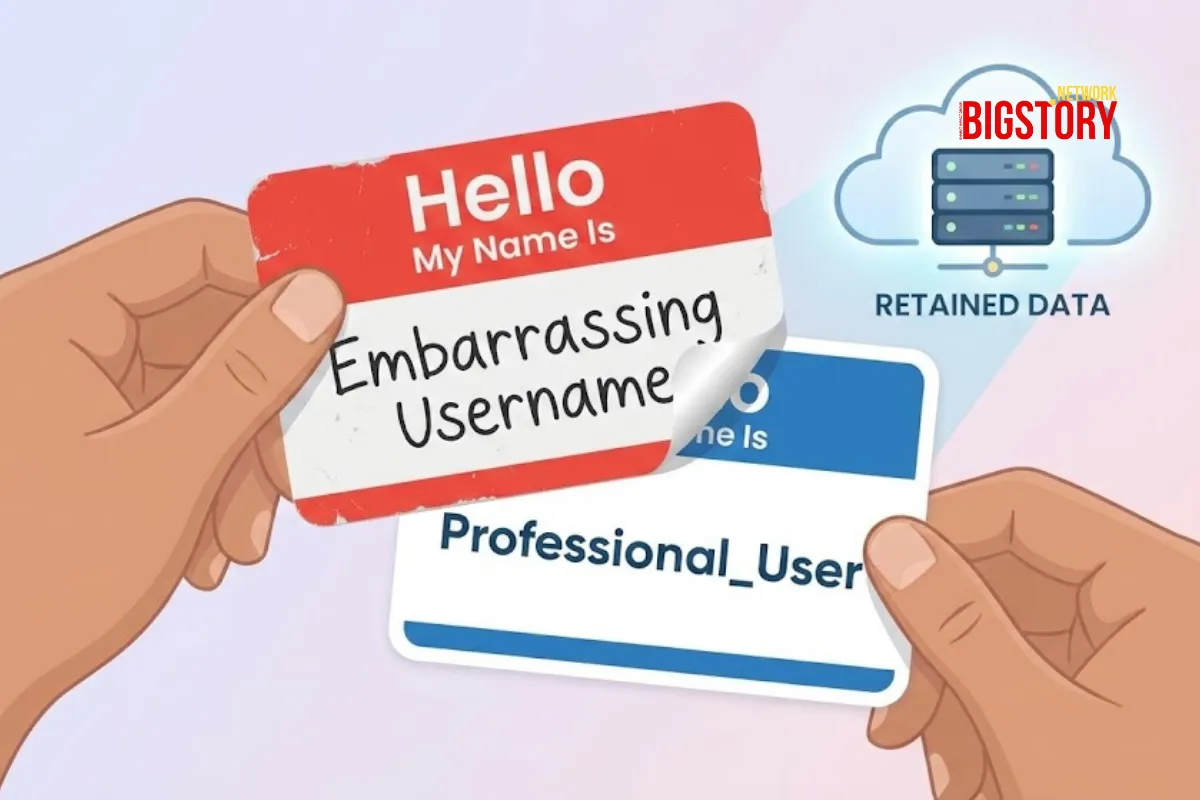
For 20 years, a Gmail username was a digital tattoo: permanent, often regrettable, and impossible to remove without erasing your entire digital existence. That era is finally over. In a quiet but monumental update rolling out late this December, Google has begun allowing users to change their existing @gmail.com email address to a new one without creating a brand new account. The feature, first spotted in updated support documents, solves the internet’s oldest headache—migrating years of photos, Drive files, and emails just to escape an embarrassing teenage username.
Since 2004, Google’s policy was unyielding: you could change the name displayed on your emails, but the underlying address (e.g., coolguy1990@gmail.com) was locked forever. Users wanting a professional rebrand or those transitioning genders had to start from scratch, often losing their digital history in the process. The shift began in November 2025 with rumors of "Shielded Email," but the definitive confirmation arrived this week when support pages—initially in Hindi—were updated to detail the new "Change Email" process.
While most outlets are framing this as a convenience update, the deeper story is the "Identity Lock-In Strategy." Google isn’t just being nice; they are securing their data pipeline. By allowing you to "swap" your name, they ensure you don't abandon your account history.
Crucially, the "Forever Alias" rule is a security masterstroke. When you swap your address, the old one doesn't go back into the pool for anyone to claim. It becomes a permanent, auto-forwarding alias locked to your account. This prevents impersonation attacks where hackers claim discarded email addresses to reset passwords for linked bank or social media accounts. You get a new face, but your digital footprint remains safely anchored to you.
According to the leaked support documents, the process is strict to prevent abuse:
This feature effectively kills the "fresh start" dilemma. It allows a single Google Account to evolve with its human owner—from teenager to professional to retiree—without fracturing the data continuity that powers modern digital life (and Google’s ad targeting algorithms).
If your email address can now evolve with you, does the concept of a "permanent" digital identity even exist anymore, or are we just renting different masks from Google?
Can I change my Gmail address without creating a new account? Yes. As of late December 2025, Google is rolling out a feature that allows you to edit your primary @gmail.com address. This process preserves all your existing emails, Drive files, and photos, unlike the old method of creating a completely new account.
What happens to my old Gmail address if I change it? Your old email address is not deleted. It is automatically converted into a permanent alias. This means any emails sent to your old address will still arrive in your inbox, but you cannot delete this alias or transfer it to another person.
How do I use the Gmail swap email feature? To check if you have access, go to Manage your Google Account > Personal Info > Contact Info > Email. If the feature has rolled out to your region, you will see a pencil/edit icon next to your "Google Account email." Note that once changed, you cannot change it again for 12 months.
News Coverage
Technical Context
 Exclusive Content






Sign up for the Daily newsletter to get your biggest stories, handpicked for you each day.



 Trending Now! in last 24hrs